extrasphere.AI Governance Toolkit
Please open this kit on a computer.
Paid kits require a desktop or laptop browser. They cannot be completed on a phone or tablet.
You can still browse the kit details on this device.
Email yourself a reminder to open it on your computer.
View kit detailsAI Governance overview
Fernhill Wholesale · AI Governance Toolkit · Fictional working example
Ask each team which tools they use, publish the approved list and brief all 18 staff.
Open the record, resolve the missing details and review the result.
Essential view · sections reviewed15/15 reviewed · 0 left
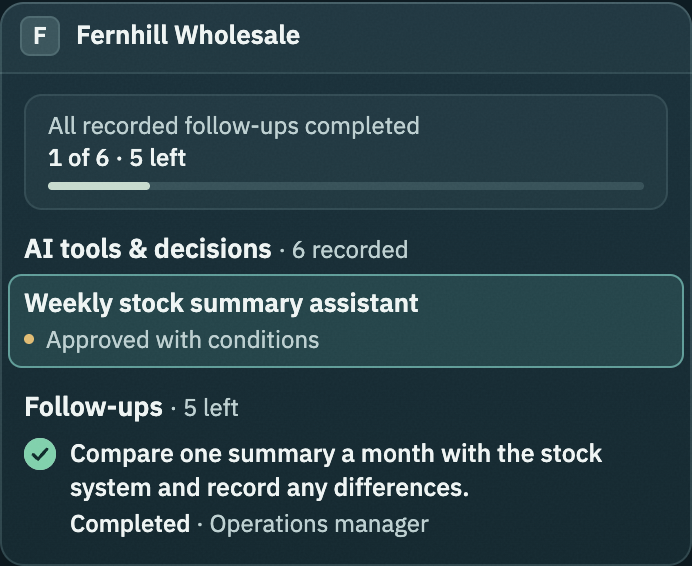
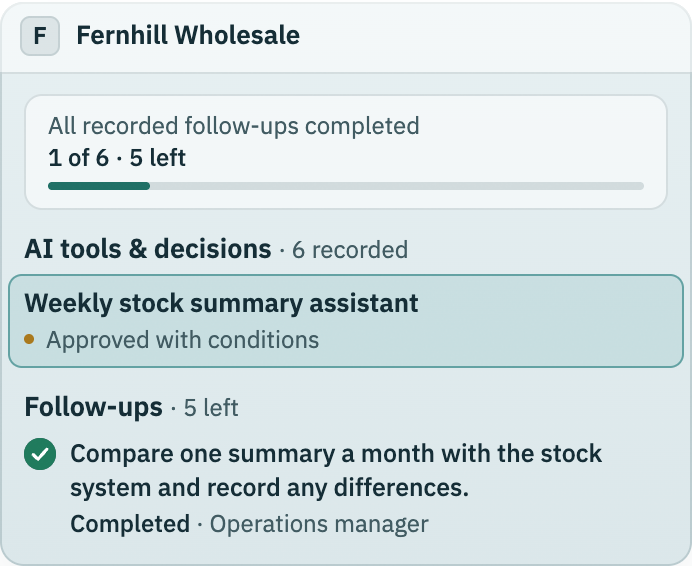
All recorded follow-ups completed1/6 follow-ups done · 5 left
Essential view · sections reviewed4 of 4 · 0 left
All recorded follow-ups completed1 of 6 · 5 left
Showing 5 of 6 records. Open the worksheets for the complete register.
Ask each team which tools they use, publish the approved list and brief all 18 staff. In progressActions · Office manager
Read example recordConfirm what was recorded, delete the copies with the sales representative and record the deletion. PlannedActions · Sales manager
Read example recordCompare one summary a month with the stock system and record any differences. MitigatingRisks and Mitigations · Operations manager
Read example recordShow 2 more open items
Ask each team which tools they use, publish the approved list and brief all 18 staff. OpenRisks and Mitigations · Office manager
Read example recordConfirm what was recorded, delete the copies with the sales representative and record the deletion. OpenRisks and Mitigations · Sales manager
Read example recordVoice-note transcriber (personal account)Declined. Calls are not recorded with AI until the people on the call agree and a retention period is set. Delete existing recordings on the personal…
Product description writerCatalog descriptions only. A person checks sizes, materials and prices before each listing goes live.
Showing 5 · Open actions
Ask each team which tools they use, publish the approved list and brief all 18 staff. In progressActions · Office manager
Read example recordConfirm what was recorded, delete the copies with the sales representative and record the deletion. PlannedActions · Sales manager
Read example recordCompare one summary a month with the stock system and record any differences. MitigatingRisks and Mitigations · Operations manager
Read example recordShow 2 more open items
Ask each team which tools they use, publish the approved list and brief all 18 staff. OpenRisks and Mitigations · Office manager
Read example recordConfirm what was recorded, delete the copies with the sales representative and record the deletion. OpenRisks and Mitigations · Sales manager
Read example recordShowing 1 · Next action
Compare one summary a month with the stock system and record any differences. MitigatingRisks and Mitigations · Operations manager
Read example recordShowing 0 · Blocked
No recorded items in Blocked.
Showing 0 · Sections to review
No recorded items in Sections to review.
Showing 1 · Actions done
Compare one summary a month with the stock system and record any differences. CompletedActions · Operations manager
Read example recordShowing 5 · Due by Nov 2, 2026
Ask each team which tools they use, publish the approved list and brief all 18 staff. In progressActions · Office manager
Read example recordConfirm what was recorded, delete the copies with the sales representative and record the deletion. PlannedActions · Sales manager
Read example recordCompare one summary a month with the stock system and record any differences. MitigatingRisks and Mitigations · Operations manager
Read example recordAsk each team which tools they use, publish the approved list and brief all 18 staff. OpenRisks and Mitigations · Office manager
Read example recordConfirm what was recorded, delete the copies with the sales representative and record the deletion. OpenRisks and Mitigations · Sales manager
Read example record