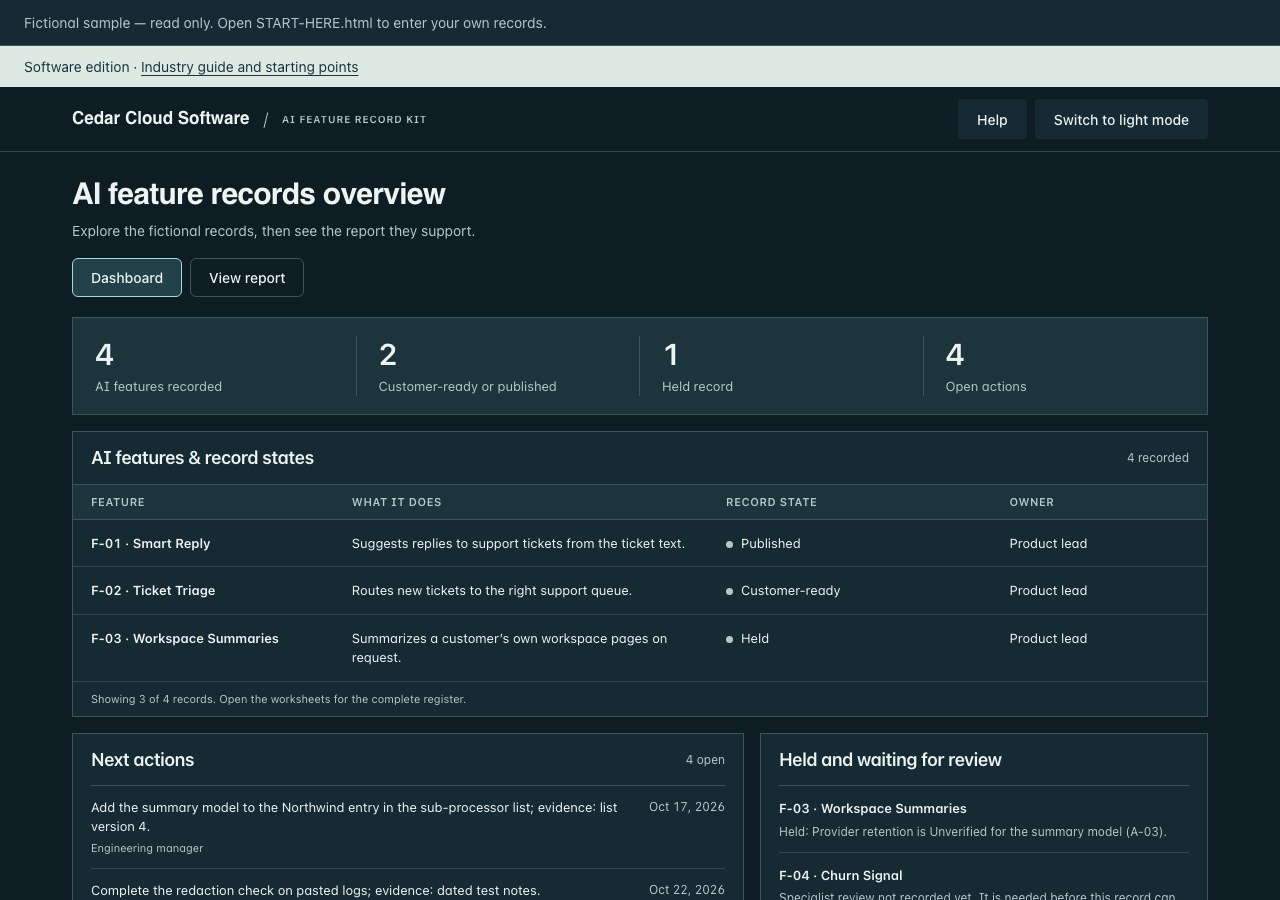
Software edition · Industry guide and worked example included
Keep one record per AI feature: the model behind it, the data it touches, how it is checked and what customers can control. Then publish a disclosure your team has reviewed.
For you if a customer asked how an AI feature handles their data and nobody has one record to point to.
Plan 2 to 3 hours for your first three features, then about 20 minutes per feature and a re-check whenever a model, provider or data scope changes. Planning estimates assume the relevant information is available. They are not completion or approval guarantees.
Purpose, model and provider, data in and out, retention, training use, oversight and owner, in one register.
A customer-ready disclosure
A reviewed page or PDF describing each feature’s AI, its limits and what customers can control.
Answers with evidence
Feature records move to the AI Questionnaire Response Kit, where customer answers cite them.
Records what your team verifies about customer-facing AI features. It does not evaluate models, classify features under any law, or provide certification.
A question from a customer
“Does Smart Reply send our ticket data to a third party, and is it used for training?”
↳Recorded as
F-01 · Smart ReplyPublished
Provider
Northwind Models API, business tier
Training on customer content
Off, checked Oct 6, 2026 (E-01)
Data in
Ticket subject, ticket body and requester name from the support desk. Attachments are not sent.
Retention
Provider 30 days, Cedar 90 days
Oversight
The agent edits or discards every suggestion before it is sent. Nothing is sent automatically.
Open item
Logs pasted into tickets may contain personal data; the redaction check is open (A-02).
When the evidence isn’t enough, the feature waits.
F-01 above is backed by its evidence. Two more records from the same fictional register: one held because a provider setting is still unverified, and one that cannot be marked Customer-ready until a specialist review is recorded.
Held
F-03 · Workspace Summaries
What it does
Summarizes a customer’s own workspace pages on request.
Why it is held
Provider retention is Unverified for the summary model (A-03).
Open items
Confirm the provider retention setting for the summary model (A-03).
Confirm whether workspace content is used to train or improve the summary model.
Next action
A-03 · Engineering manager · due Oct 20, 2026
Draft
F-04 · Churn Signal
What it does
Scores accounts to prioritize customer-success outreach.
Involves a decision about a person or business
Yes
Specialist review recorded (name or role, date)
Not recorded yet
Before any disclosure
This feature may involve a decision about a person or business. Record a specialist review (name or role, date) before marking it Customer-ready. The kit does not decide whether any rule applies.
Next action
A-04 · Product lead · due Oct 29, 2026
Fictional Cedar Cloud Software records. Your own records need your own evidence and review.
Start where you are
Bring one feature and the person who built it. Use the owners and release reviews you already have. Excel and CSV import included.
Bring your feature register, change log and evidence list.
Match the columns and review duplicates before adding them to the dashboard.
Blank values read as Unverified, and a record cannot move forward until they are checked.
Capture what it does, which model and provider sit behind it, and which customer data it touches.
Verify the facts
Check provider settings, retention and training use. Record the date, the evidence and what is still unresolved.
Publish and keep current
Review the disclosure, publish through your normal channel and log the changes that trigger a re-check.
See the workspace
Download the ZIP, extract it, and open START-HERE.html in a current desktop version of Chrome, Edge, Safari or Firefox. Save your work file to keep a copy you can load next time.
START-HERE.html Your blank feature record workspace. Open it in a desktop browser.
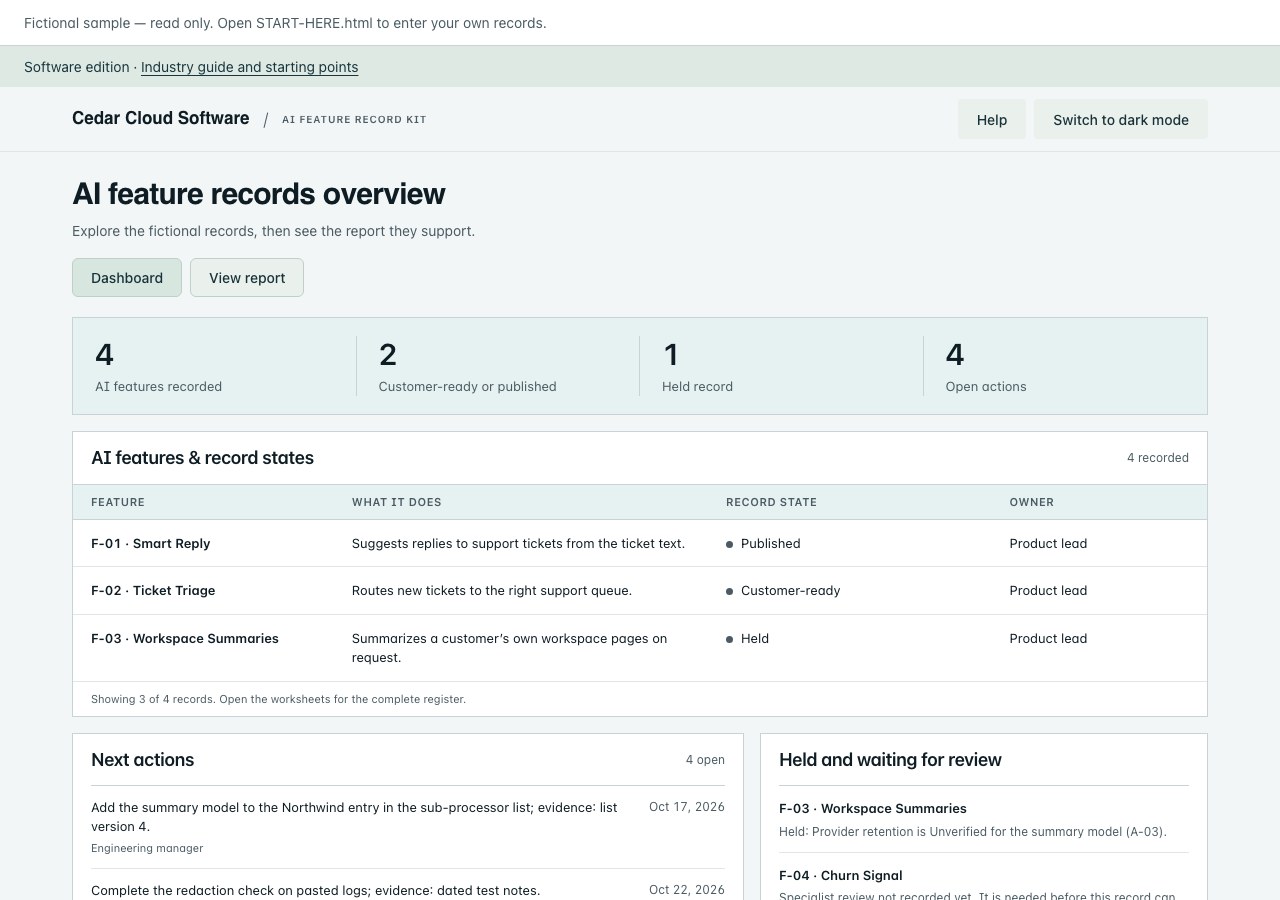
Sample-Dashboard.html The same workspace with the fictional Cedar Cloud Software records.
Sample-Report.pdf The full report built from the fictional records.
Sample-Disclosure.pdf The fictional “AI in our product” disclosure.
KIT-GUIDE.html How to record, verify, publish and re-check a feature.
INDUSTRY-GUIDE.html Software & SaaS scenarios and review points.
AI-Completion-Guide.html Six optional Draft with AI tasks with prepared, fictional example responses.
Feature-Register-Import.csv The import template, with the same column names as the dashboard.
FEATURE-INTAKE.txt Questions to ask the person who built the feature.
COLLEAGUE-REQUEST.txt A request to engineering or product for missing details.
RELEASE-REVIEW-CHECKLIST.txt Run before marking a feature Published.
Reference/Templates.docx Eight editable worksheets, also as Templates.pdf.
CHECK-YOUR-COMPUTER.html Run this once before you start.
LICENSE.txt Your license, with PURCHASE-TERMS.txt and REFUND-POLICY.txt.
Using this with other kits
Verified feature records move to the AI Questionnaire Response Kit, where customer answers cite them. Feature records and their evidence can also be imported into the ISO 42001 Evidence Collection Kit as evidence sources. Staff AI tools belong in the Shadow AI Risk Kit and the AI Governance Toolkit.
Standard kits cover internal use by one purchasing company. A consultancy can use a standard kit for its own business. Delivering branded kit copies to clients requires the separate Practitioner License and its client allocations.
Updates
Updates are included for 12 months from purchase.
Refund
Not the right fit? Contact us within 14 days of purchase for a refund. See our refund policy.
Built around Software & SaaS teams
Which customer data reaches each model, and under which contract?
Who confirms a training or retention setting before it is written to a customer?
What changes in a release should send a feature back for re-check?
Your download includes INDUSTRY-GUIDE.html and a worked Cedar Cloud Software example alongside the complete kit. The editable workspace starts with your own blank records.
Examples cover product features that process customer data. Contract, legal and regulatory classification questions need your normal specialist review.
Also for Software teams: the Product AI Bundle adds the AI Questionnaire Response Kit and the Shadow AI Risk Kit · $799.